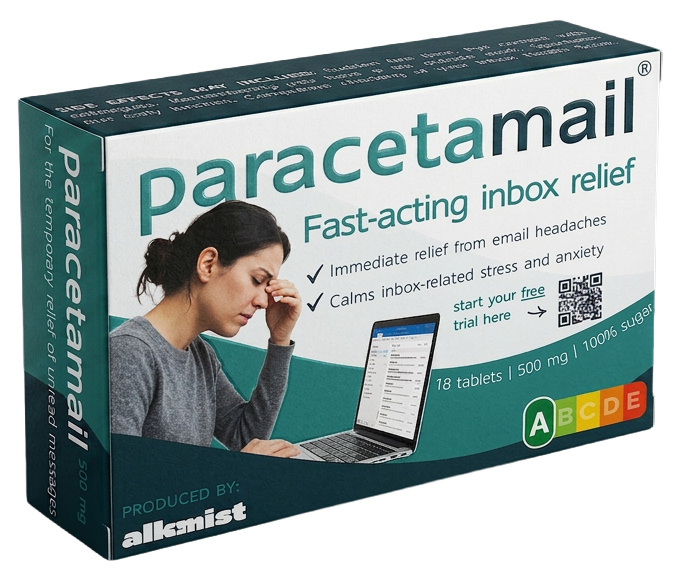
Eleven tools, each doing one job Pidgy does across your whole inbox. Paste something in, see what comes back, and get a feel for what it would be like if all of it happened on its own.
Copy an email in, get something useful back, close the tab.
The same jobs, done to every email as it lands, in your voice, across every mailbox you have.
Each one opens on pidgy-ai.com. Paste something in, get something back, no account.
One line of brief, three drafts, three registers. Free, no signup.
Reply to an emailPaste what landed. Get back a reply that answers all of it.
Subject linesPaste the email you wrote. Get ten ways of announcing it.
Notes to emailThe notes you typed during the call, turned into the follow-up.
It reads wrong. Say which direction and get it back at the right distance.
Angry to politeThe grievance survives. The damage does not.
Translate an emailNot only the words. The distance they were sent at.
Write in their languageWrite it in the language you think in. Send it in the one they read.
Every tool on this page is one slice of Pidgy, cut down to work on a single paste. Here is what each slice turns into when it runs on your actual inbox.
Drafts one email from a line of brief or a pasted message.
Drafts every reply before you open the thread, in the voice it learned from your sent mail.
Changes the tone or the language of one draft you already wrote.
Writes in the right register and the right language from the start, so there is nothing left to rewrite.
Pulls the asks out of one thread, one set of notes or one brain dump.
Turns every email into tasks as it lands, tracks who owes what and drafts the chase when a thread goes quiet.
Not something a paste box can do. It only sees what you give it.
Reads the whole inbox and puts the few emails that need you today at the top.
of the workweek goes to reading and answering email, before any of the work inside it gets done.
McKinsey Global Instituteof the working day goes to coordination about work: chasing updates, hunting documents, confirming status.
Asana Anatomy of Workto get back to what you were doing after a single inbox interruption.
Mark et al., UC IrvineEleven paste boxes do not fix that. They show, in about thirty seconds each, what it looks like when the small jobs stop being yours. Pidgy is what makes it stick.
Yes. No account, no card, ten runs a day on each one. Nothing you paste is stored.
Each tool does one small job on the text you paste into it. Pidgy does all eleven jobs, and several the tools cannot, across your whole inbox as mail arrives. It learns your voice from your sent mail, ranks what matters, and tracks who owes you what.
Treat them as you would any third-party tool. For routine work they are fine. For privileged or commercially sensitive material, remove names and figures first. If your firm has a policy on external AI tools, that policy applies.
No. Not in the tools and not in Pidgy. Everything is a draft until you press send.
Because each one is tuned for a single job and needs nothing configured. One general box that does everything needs a prompt, and a prompt is a thing you have to learn.
Pidgy reads Outlook, Gmail or any IMAP mailbox, ranks what matters, drafts the replies in your voice and chases what is slipping. Nothing ever sends without you.